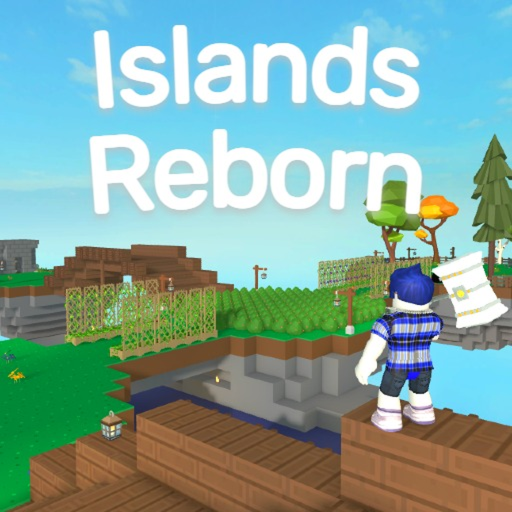
Islands Reborn Official Community and Discord Entry Points
Quick answer
- The verified Roblox group is !Project Reborn.
- The game description directs exploiter reports to the server in its social links.
- Use those current entry points instead of assuming a copied Discord invite still belongs to the developer.
Start from the verified developer destinations
For the Islands Reborn official community, use the !Project Reborn Roblox group and the current experience listing. These give you a dependable starting point for identifying the developer and finding the game's own links.
A similarly named server or another creator's video description is a different destination. Keep the community attached to the exact experience when looking for announcements or help.
Status unconfirmed; checkedFollow the social link for reporting
The game description directs players to the server in its social links when reporting exploiters. Follow the listing's current destination rather than relying on an invite copied from an old guide. This keeps the route tied to the developer's own publication.
Prepare a clear report with the relevant username, what happened and the game context. Do not send account passwords, recovery codes or unrelated personal information. The point is to describe the incident, not to grant another person account access.
Separate announcements from player suggestions
Community discussion can help you find a project or understand a problem, but a player's suggestion is not automatically a developer release notice. Keep an announcement's author, date and actual wording with the feature it describes.
The Islands Reborn updates guide explains that distinction for new content. This wiki links the developer's entry points, but it does not operate their server, resolve bans or promise a response to a report.